The best HVAC software is not the platform with the longest feature list. It is the one that removes the bottleneck costing you jobs this quarter. For most contractors that bottleneck is the phone and the follow-up, not the invoice template.
Buy in the order your work breaks
Software is a stack, not a single decision. Each layer assumes the one below it works. If calls go unanswered, a better CRM only gives you a cleaner record of the leads you lost.
- Call handling. Every inbound call is answered, captured and booked, including after hours.
- Lead follow-up. Every quote and form gets a first reply in minutes and a scheduled chase after that.
- Dispatch and scheduling. Booked work lands on the right calendar with the right arrival window.
- Customer communication. Confirmations, reminders, updates and review requests go out without someone remembering.
- Office administration. Notes, invoices and data entry stop being retyped into a fourth system.
Most contractors already own pieces of this. The question is which layer is leaking, and what it costs to close that leak before adding another subscription.
What each category actually does
Dispatch and field service software
This is the operations core: scheduling, dispatching, job notes, photos, time tracking and often job costing. It earns its price when you have several crews and the office cannot hold the schedule in one head. It does not answer the phone, and it will not chase a quote for you.
CRM and pipeline
A CRM is where a lead becomes a quote, a follow-up and a booked job. The useful version shows every open quote, who owns it and when the next touch is due. The useless version is a contact list nobody updates after the first call.
Call answering
Options run from a receptionist to a live answering service to an AI voice agent. The job is the same: answer quickly, capture the address and the problem, book a real slot, and escalate emergencies to a person. This is the layer most HVAC companies skip, and it is usually the cheapest one to fix.
Customer communication
Confirmations, on-my-way texts, reschedule links and review requests. Small touches, high return, and easy to forget on a busy Friday. Look for tools that update the same record the office already reads.
Accounting
QuickBooks or similar handles the money. The test is whether a completed job reaches an invoice without a person retyping the same address and line items. If not, the gap is integration, not accounting software.
Seven questions before you pay
- Where does an inbound call land? Ask to see the exact path from ring to booked job, not a dashboard screenshot.
- Does it write to the calendar and dispatch board we already use? A second calendar that nobody trusts is worse than paper.
- Who updates the record while the tech is on site? If the answer is "the office later", you are buying data entry with extra steps.
- Can we see one lead from first call to paid invoice? If the answer takes three exports, the stack is not connected.
- What does it cost at our real seat count? Ask for the 12 month total including setup, onboarding, integrations and any per-call or per-message fees.
- What is included in implementation? Configuration, data migration, training and testing are the difference between a tool and a working system.
- What does leaving look like? Ask about data export, contract length and notice. A vendor that will not answer this is telling you something.
Match the stack to your size
Under about 300 calls a month. Start with the phone and a calendar that your team actually uses. A simple CRM is enough if every quote has an owner and a next date. Do not buy an enterprise dispatch suite to solve a missed call problem.
300 to 1,000 calls a month. Now dispatch and reporting start to matter. You need to see calls answered, leads booked, quotes open and jobs closed by source. Follow-up automation pays for itself here, because volume makes manual chasing fail quietly.
Multi-crew and commercial work. Integration becomes the product. Property managers, purchase orders, access notes, after-hours escalation and one record across office, field and accounting. At this size, the cost of a bad handoff is larger than the software bill.
Red flags
- Pricing that only appears after a demo, with no published starting point.
- A demo that never shows the booking flow, only the analytics screen.
- Per-seat pricing that punishes you for giving the office a login.
- No named person for onboarding, or an implementation that is "self serve".
- Claims that the AI handles everything, with no escalation path to a human.
- No export, no exit clause, or a contract that renews silently.
Where a managed service fits
Some contractors do not want another dashboard to operate. They want the calls answered, the quotes chased and the records updated, with a person accountable for the result. That is a different buy: a service rather than a licence.
XAV runs that work for HVAC contractors. CallShield covers inbound calls and booking, LeadForge covers lead follow-up, and the five services can run as one scope or separately. If you want a straight read on which layer is leaking first, tell us about your office and we will audit the operation before the call.
Sources
- U.S. Bureau of Labor Statistics, Occupational Outlook Handbook: Heating, Air Conditioning, and Refrigeration Mechanics and Installers. 2025 median pay of $61,010 and projected employment growth of 11 percent from 2025 to 2035.
- ENERGY STAR, HVAC maintenance checklist. Seasonal tune-ups and filter checks, which drive repeat service demand.
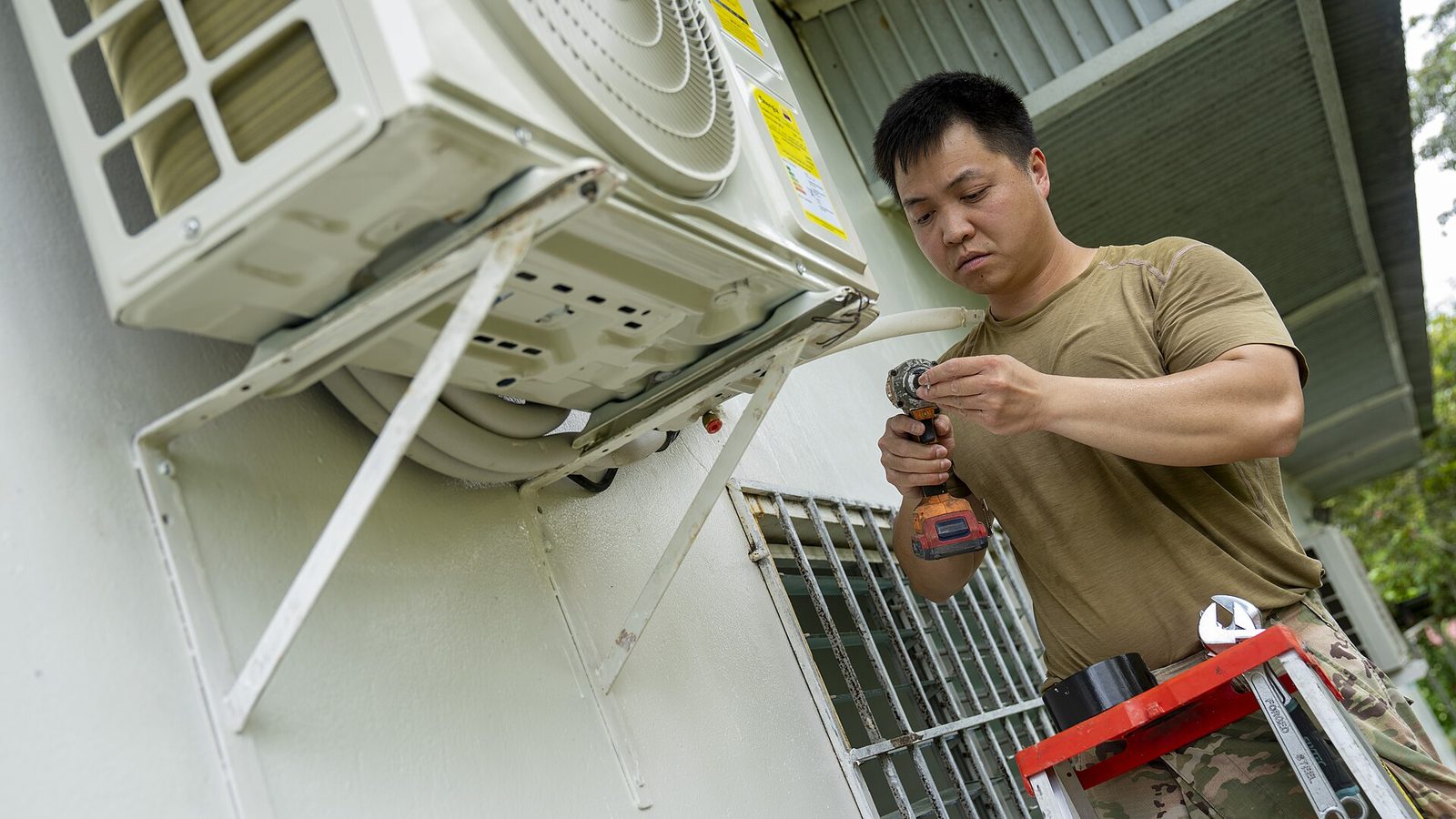
Photo: U.S. Air Force photo by Andrea Jenkins, public domain, via Wikimedia Commons. Original file.

See where this would help in your business.
Book a free 45 minute call. We review your calls, leads and admin, then tell you honestly what is worth automating.